
Medical app localization: what is it and why is it important?
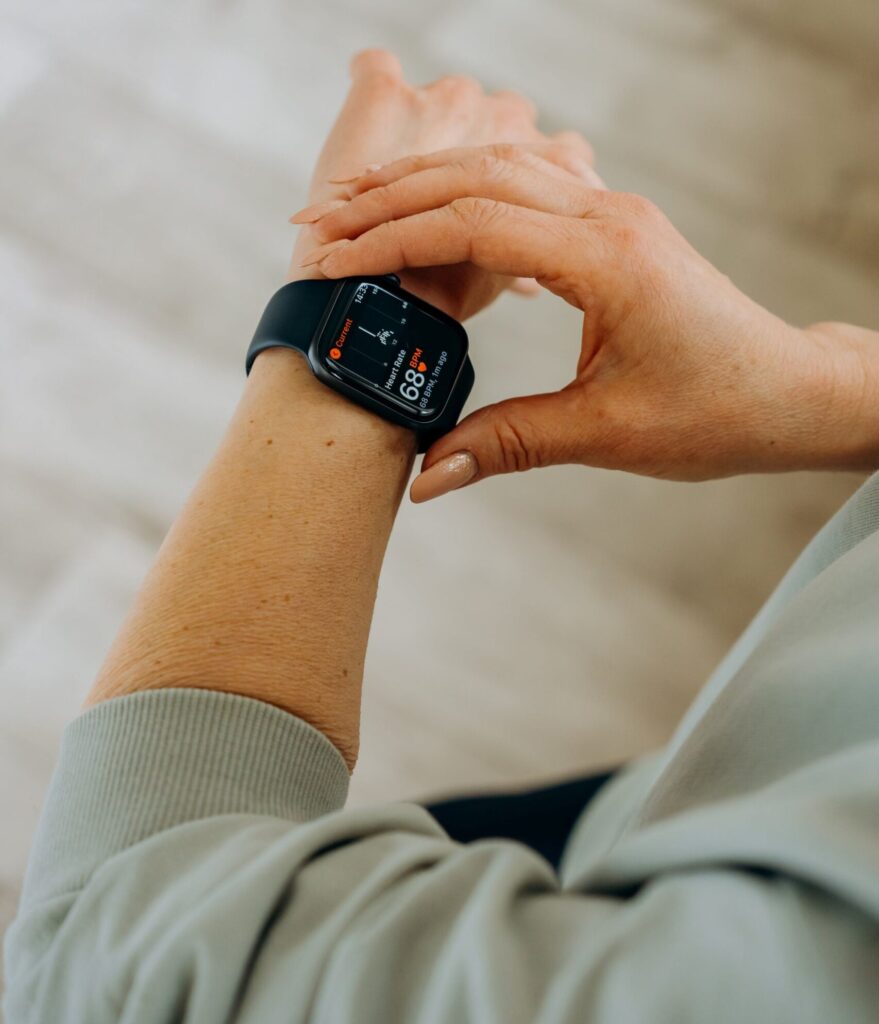
Digital Health is rapidly growing and advancing worldwide, making a huge impact in the healthcare field. It includes mobile health, IT, wearable devices, telehealth, sensors and software that manage or treat a disorder. Benefits are multiple such as improved outcomes and access, reduced costs, and more personalized medicines.
I’m fascinated by medical apps and their purpose of supporting patients. They can help people manage chronic diseases, such as diabetes or hypertension, deal with depression and anxiety, as well as organize meals.
Digital therapeutics are even one step ahead. They include software and devices that require to be tested and approved by clinical trials. They can be prescribed by doctors and can be reimbursed by healthcare systems or private medical assurance.
As with other apps or software, you need to localize the content in the target language. It should be clear, easy to understand and user-centric.
What are the nuts and bolts of a localization process?
Find below my 7 takeaways for medical app localization:
1. Identify your target:
Who will use this app? A doctor, a patient, a caregiver? Are you addressing adults or children? The language and specific terms change a lot depending on the audience you are referring to.
2. Build your terminology and style guide:
Choose words wisely, avoid jargon when it is redundant and explain specialistic terms when you need to describe a specific procedure or treatment. Ensure consistency using always the same term referring to the same concept.
3. Use an inclusive language:
Avoid using words and expressions that can be biased or harmful to a group of people. Also choose non-gendered terms (e.g., humankind instead of mankind).
4. Ensure accessibility:
Is your content accessible to all users? Try to accommodate the range of abilities that your users have. This includes different aspects such as using plain language, captioning videos, appropriate font sizes and color schemes, and alt text for images.
5. Consider UX writing:
You need to guide the user through each step of your app, from the registration phase, and the login phase to the activation of features. Think through CTAs, error messages, blank spaces, and alerts as well.
6. Pay attention to colors and images:
This may seem less important, yet it is crucial. Colors can trigger emotions, such as rage or calmness, or increase and decrease heart bit. An image tailored for an audience can be disrespectful to another one. Choose them carefully with your user in mind.
7. Run an A/B test:
Decide what you want to test to understand what version works better for your target. Run two versions of a certain screen to see which one is more efficient and clearer to users.
You can also have a look at my previous post about content localization.
Need any help writing or localizing your content? Tell me more about your project.